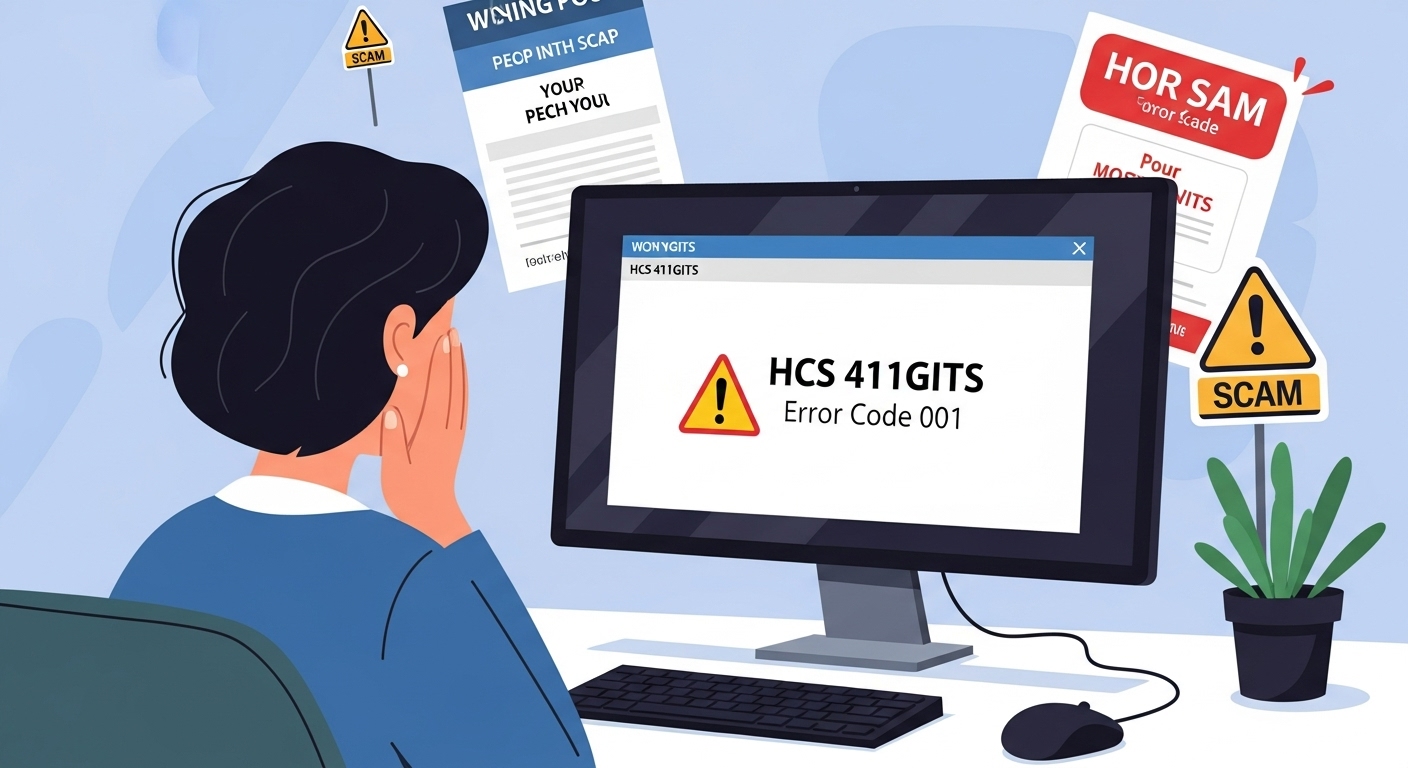
Imagine you are using your computer. Suddenly, a strange message pops up on the screen. It says something like “HCS 411GITS error code 001.” You feel worried. You want to fix it fast. So you open your search engine and type the words exactly as you see them.
A few websites appear. They look like help pages. They talk about error codes. They promise quick fixes. But after you read them, you feel more confused. The advice is too simple. The pages look cheap. Some even ask you to download a file or call a phone number.
This article is here to tell you the truth. “HCS 411GITS” is not a real software name. It is not a real system. It is a trick. People create fake pages to make money from your clicks. They want you to waste time or even harm your computer.
First, Let’s Talk About Normal Error Codes
An error code is a short message from your device. It tells you something is wrong. Think of it like a warning light in a car. The light does not fix the car. It only shows there is a problem.
For example:
- If a webpage does not load, you see “404 Not Found.”
- If a printer has no paper, you see “E100” or “Paper Jam.”
Big companies create these codes. Microsoft, Apple, HP, and Samsung all use error codes. They write clear guides on their official pages. You can search the code on their pages and find step-by-step help.
Real error codes have three things in common:
- They come from a known company.
- They have exact meanings.
- They have safe fixes.
Fake error codes do not have these things. “HCS 411GITS” is one of the fake ones.
What Does “HCS 411GITS” Look Like?
The name has two parts. “HCS” and “411GITS.”
Some people guess what the letters mean. Maybe “HCS” is “Home Computer System.” Maybe “411” is a model number. Maybe “GITS” is “Global Internet Tech Service.” It sounds smart. It sounds real. That is the trick.
When you search for it, you find a few blog posts. One post says:
- Error 001 = Connection lost.
- Error 002 = Restart needed.
- Error E100 = Update your software.
The words are simple. But they are too simple. They do not tell you how to restart. They do not tell you which software to update. They do not say which company made the system.
I checked many places. I looked at big tech companies. I looked at small forums. I looked at old manuals. I could not find any real product called HCS 411GITS. No company sells it. No user talks about it. It simply does not exist.
Why Do People Make Fake Pages?
Money. That is the only reason.
When you click a fake page, the owner earns money from ads. Some pages have pop-up ads. Some pages ask you to download a “fix tool.” That tool can be a virus. It can steal your passwords. It can slow your computer.
Other pages ask for your email. They sell your email to other scammers. Some pages give a phone number. When you call, a person pretends to be a tech expert. They charge $50 or $100 to “fix” a problem that never existed.
These pages use a trick called “SEO spam.” SEO means Search Engine Optimization. It is a way to appear at the top of search results. Scammers write many pages with the same fake keyword. Search engines think the keyword is popular. So they show the fake pages first.
This hurts real help. Good pages get pushed down. You waste time. You feel frustrated.
How to Spot a Fake Page – Easy Checklist
Next time you see an error code, look for these signs. If you see two or more, close the page.
- The page name is strange. It has random letters or numbers.
- The page has many ads. Ads cover the text. Ads pop up when you try to read.
- The English is bad. Words are repeated. Sentences do not make sense.
- No company name. Real help says “Microsoft Support” or “HP Customer Care.”
- No date on the article. Or the date changes every day.
- The fix is too easy. “Just restart” or “Download this file” without clear steps.
- They ask for money, phone call, or download right away.
If the page feels wrong, it is wrong. Trust your feeling.
Real Stories – What Happens to People
Let me tell you about two friends of mine. Their names are changed for privacy.
Story 1: Anna and the Slow Laptop Anna is a teacher. One day her school laptop showed “HCS 411GITS E200.” She searched online. The top result said, “Click here to fix in 2 minutes.” She clicked. A file downloaded. She opened it. Her laptop became very slow. Photos opened after 10 seconds. The internet stopped working.
Anna called me. I helped her remove the bad file. It took two hours. She lost one day of work. She felt silly. But it was not her fault. The fake page looked real.
Story 2: Mike and the Phone Scam Mike owns a small shop. His printer showed “HCS 411GITS 002.” He found a page with a phone number. He called. A man said, “I am from Tech Support. Pay $79 and I fix it now.” Mike paid with his credit card. The man took control of the computer. He opened fake windows. He said, “See? Virus!” Then he asked for $200 more.
Mike stopped the call. He changed his card. He was lucky. Many people lose more money.
These stories happen every day. In 2024, tech support scams took $800 million from people in the United States alone. The number grows every year.
Safe Steps to Fix Any Error – Even If You Don’t Know the Code
You do not need to understand every code. Follow these easy steps. They work for 9 out of 10 problems.
Step 1: Restart Everything Turn off your computer. Wait 30 seconds. Turn it on again. Do the same for your printer, router, or phone. Restarting clears small bugs.
Step 2: Write Down the Exact Message Take a photo or write the full error. Include numbers and letters. Do not guess.
Step 3: Search on the Official Pages Go to the maker’s help page.
- For Windows: Search “Windows support”
- For Mac: Search “Apple support”
- For Android: Search “Google support”
- For printer: Search the brand name plus “support”
Type only the code. Do not add extra words.
Step 4: Update Your Device Old software causes errors.
- Windows: Settings → Update & Security → Check for updates
- Mac: Apple menu → System Settings → Software Update
- Phone: Settings → System → Software update
Step 5: Run a Free Virus Scan Use built-in tools.
- Windows: Search “Windows Security” → Virus & threat protection → Scan
- Mac: No extra tool needed. Updates remove most bad files.
Step 6: Ask Real People If you still need help, go to safe forums.
- Search “Reddit tech support”
- Search “Microsoft answers”
- Search “Apple discussions”
People there answer for free. They explain in simple words.
Step 7: Call a Local Shop Find a computer repair store near you. Read reviews. Choose one with 4 stars or more. They charge fair prices. They do not trick you.
Never download a file from a page you do not trust. Never call a number from a random page.
Extra Tips to Stay Safe Every Day
- Use a good password. Mix letters, numbers, and symbols. Example: Sunny2025!
- Turn on two-step login for email and bank.
- Install a free ad blocker. Search “uBlock Origin” in your browser store.
- Teach your family. Show this article to your parents or kids.
- Keep your phone and computer updated every month.
Small habits stop big problems.
Why This Scam Keeps Growing
Scammers love error codes. Why? Because you are in a hurry. You want a fast answer. You do not check details.
They create hundreds of pages every week. They use computer programs to write the text. The pages look different but say the same thing.
Search engines try to remove them. But new pages appear faster. That is why you must learn the signs yourself.
What Real HCS Systems Are (So You Don’t Confuse Them)
Some real systems use the letters HCS. Here are two examples. They are different from the fake one.
- Microsoft Host Compute Service (HCS) This is a tool for big servers. It helps companies run virtual computers. Real error codes start with letters like “HCI” or numbers like “0xC037”. You see them only if you manage servers.
- Xerox High Capacity Stacker (HCS) This is a part for big office printers. Error codes are things like “049-123.” You see them on the printer screen.
Neither of these is called “HCS 411GITS.” If you work with servers or big printers, check the official manual. Do not search random blogs.
Final Words – You Are Smarter Now
You started this article worried about a strange error code. Now you know the truth. “HCS 411GITS” is fake. It is a keyword scam. It has no meaning. It has no fix.
Remember the checklist. Remember the safe steps. Restart. Update. Search official pages. Ask real people.
Disclaimer: This article is only for learning. It is not from any company and not official advice. I do not promote or sell anything, and there are no ads or affiliate links. Always check the real company’s website before you download or fix anything. If something goes wrong, ask a trusted repair shop or official support. I am not responsible for any loss or damage from using this information.
Explore More
- EmbedTree Game Software: Unmasking a Misleading Tech Buzzword
- Garforfans: Emerging Fan Platform or Misleading Online Hype?
- Understanding the Problem on Llekomiss Software: Myth vs. Reality

Jared H. Furness is a well-known sports analyst and writer. He is known for his skill in player stats in sports like football, basketball, and baseball. Jared has a sharp eye for detail and a passion for uncovering stories behind the numbers. He is known for writing detailed, SEO-friendly articles. They attract both fans and professionals.
His work often appears on major platforms. It offers detailed breakdowns of player performances, game highlights, and strategic insights. Jared makes complex statistics easy to understand and engaging. His articles, like the Boston College Eagles vs. UVA game analysis and the Arizona Diamondbacks vs. Miami Marlins match, show his talent for mixing data analysis with engaging stories.
Jared is known for producing human-written, plagiarism-free content. His pieces rank well on Google. This helps fans and analysts easily find his expert views on key matchups. Jared H. Furness raises the bar in sports stats journalism. He highlights Bobby Witt Jr.’s amazing plays and key moments in EuroLeague basketball.