Cyber threats are everywhere now, and most people don’t realize how easy it is to fall into traps hackers set every day. One wrong click, a weak password, or a missed update can open the door to serious damage. The scariest part? Most cyber attacks succeed because of simple, avoidable mistakes.
That’s why understanding common cybersecurity slip-ups isn’t optional anymore-it’s the new basic life skill of the digital world. Whether you’re trying to protect personal accounts or keep a business safe, knowing what not to do puts you miles ahead of attackers. So let’s break down the biggest mistakes people make and exactly how you can avoid them.
Why Your Passwords Are Basically Handing Hackers the Keys
Look, passwords are supposed to be your first defense. But for most people? They’re the weakest spot in the entire security setup. And honestly, you might not realize how fast hackers can crack simple passwords these days.
The Nightmare of Password Reuse
Get this: credential theft showed up in 38% of breaches, making it the number one way criminals get in. When you recycle passwords across different sites, one single breach basically unlocks everything. Hackers run credential stuffing attacks that automatically test stolen passwords on dozens of platforms at once.
Picture this scenario: your email password gets nabbed from some random forum that got hacked. Attackers immediately try that same password on your bank, Amazon, Instagram, everything. It’s literally like using one key for your house, your car, and your office safe.
How to Actually Create Passwords That Don’t Suck
Strong passwords need length way more than they need complexity. A 12-character password takes exponentially longer to crack than an 8-character one, even if you throw in special symbols. Using a free password generator is honestly one of the easiest ways to create unique, random combinations you’d never come up with on your own. These tools spit out passwords mixing uppercase, lowercase, numbers, and symbols in completely unpredictable patterns.
Don’t even try to memorize dozens of complex passwords. That’s just setting yourself up to fail and recycle stuff.
Why Password Managers Are Total Game-Changers
Password managers store everything in an encrypted vault. You’ll only need to remember one master password. Modern versions offer biometric authentication, so you unlock your vault with a fingerprint or face scan. They auto-fill login forms too, and they’ll alert you if your passwords show up in known data breaches.
Skipping Multi-Factor Authentication Is Playing With Fire
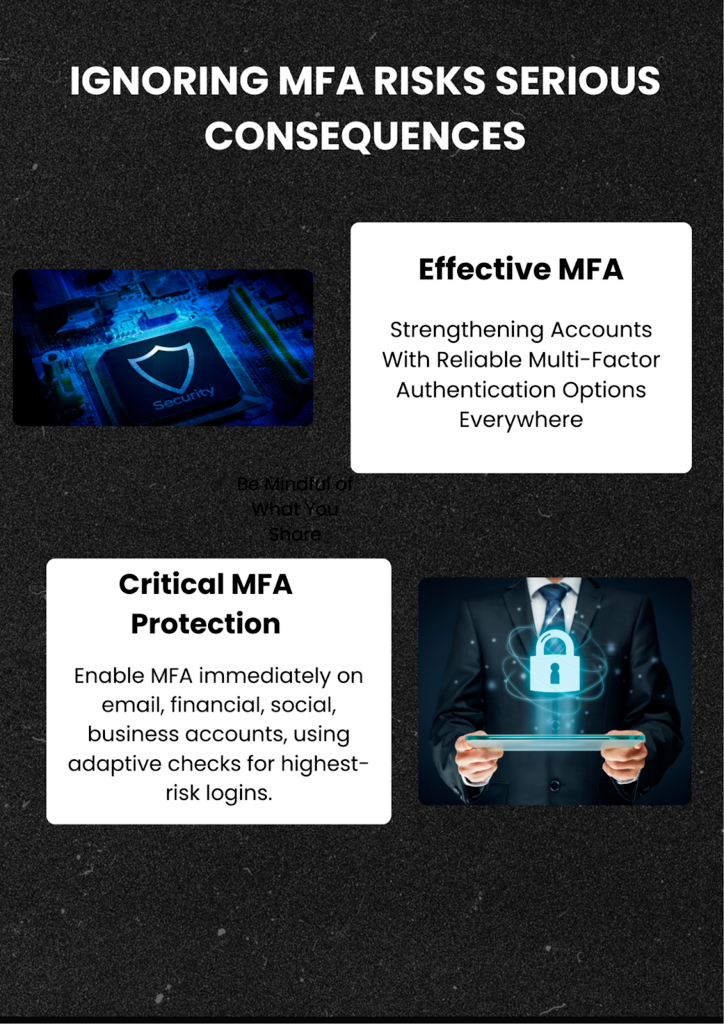
Even the toughest password can get compromised through breaches or clever attacks. That’s exactly why multi-factor authentication works as your crucial second defense layer.
MFA Options That Actually Work
MFA needs two or more verification steps before letting you in. Authenticator apps like Google Authenticator or Authy generate time-based codes changing every 30 seconds. These beat SMS codes by a mile since those can get intercepted through SIM swapping attacks.
Hardware tokens give you physical security keys you plug into devices. Biometric options use fingerprints or facial recognition as another verification layer.
Where You Need MFA Right This Second
Turn on MFA immediately for email, banking, and anything involving money or financial data. These are your highest-value targets. Social media accounts need protection too-they’re constantly used to launch attacks on your contacts or spread fake news under your name.
Business accounts require even tighter protocols. Consider adaptive authentication that checks login location, device, and behavior patterns to assess risk levels.
Ignoring Updates Is Like Leaving Your Front Door Wide Open
Recognizing phishing attempts stops you from giving attackers direct access, but there’s another entry point criminals love exploiting: unpatched vulnerabilities in outdated software.
The Dangerous Gap Between Patch Release and Installation
Software updates fix security holes hackers actively exploit. When developers discover vulnerabilities, they push out patches fast. The time between a vulnerability becoming public knowledge and when you install the patch is your highest-risk window.
Cyber criminals monitor patch releases to identify what vulnerabilities got fixed, then target systems that haven’t updated yet. It’s literally a race against time.
Update Strategies That Actually Stick
Enable automatic updates on all devices whenever you can. Your operating system, browsers, and applications all need regular patching. Mobile devices get overlooked constantly-check your phone’s settings to make sure automatic updates are switched on.
Router firmware updates matter equally but get forgotten all the time. Check your router manufacturer’s website quarterly for firmware updates.
Quick Reference: How These Security Mistakes Stack Up
Here’s a comparison table showing how different common cyber security errors measure up in terms of risk and ease of fixing:
| Security Mistake | Risk Level | Time to Fix | Cost to Fix | Impact if Exploited |
| Weak Passwords | Very High | 1-2 hours | Free | Account takeover, identity theft |
| No MFA | High | 15 minutes | Free | Unauthorized access despite strong passwords |
| Ignoring Updates | High | 30 minutes | Free | System compromise, malware infection |
| Falling for Phishing | Very High | Ongoing training | Free-Low | Data theft, financial loss |
| No Backups | Severe | 2-4 hours | Free-Moderate | Permanent data loss |
What You Can Do Right Now to Lock Things Down
Understanding these mistakes is just step one. Here’s exactly how to avoid cyber attacks with immediate actions requiring minimal time but delivering maximum protection.
Do These Things Today
Change passwords on your three most critical accounts-email, primary bank, and main social media. Make each unique and at least 12 characters long. Set up MFA on these accounts immediately using an authenticator app instead of SMS verification.
Run updates on every device today. Check for operating system updates, application updates, and antivirus definition updates. Don’t postpone those restart notifications anymore.
Building Security Into Your Daily Routine
These online security best practices work way better as consistent habits instead of one-time fixes. Schedule monthly reviews of your account security settings. Set reminders to check for software updates weekly, especially on devices without auto-update.
Train yourself to pause before clicking links in emails or messages. That five-second pause to verify the sender and URL can prevent devastating breaches.
Resources Worth Checking Out
The Cybersecurity and Infrastructure Security Agency (CISA) at cisa.gov offers free resources on emerging threats and protection strategies. Their alerts cover new vulnerabilities and provide cyber security tips for beginners through advanced professionals.
Stay informed about breaches affecting services you use. Services like Have I Been Pwned let you check if your email appears in known data breaches.
Your Burning Questions About Staying Safe Online
What’s the absolute worst password mistake people make?
Reusing identical passwords across multiple accounts is the most dangerous habit out there. When one site gets breached, attackers test those credentials everywhere else. Use unique passwords for each account with a password manager tracking them securely.
How often should I actually update my software?
Install updates the moment they’re available, especially security patches. Enable automatic updates whenever possible. Delays create vulnerability windows attackers actively exploit. Weekly manual checks work fine for devices without auto-update options.
Does MFA really stop hackers if they’ve got my password?
Absolutely. MFA blocks most unauthorized access attempts even with stolen passwords. Attackers need your second factor-usually your phone or biometric data. While sophisticated attacks can bypass some MFA methods, it eliminates 99% of automated credential stuffing attempts.