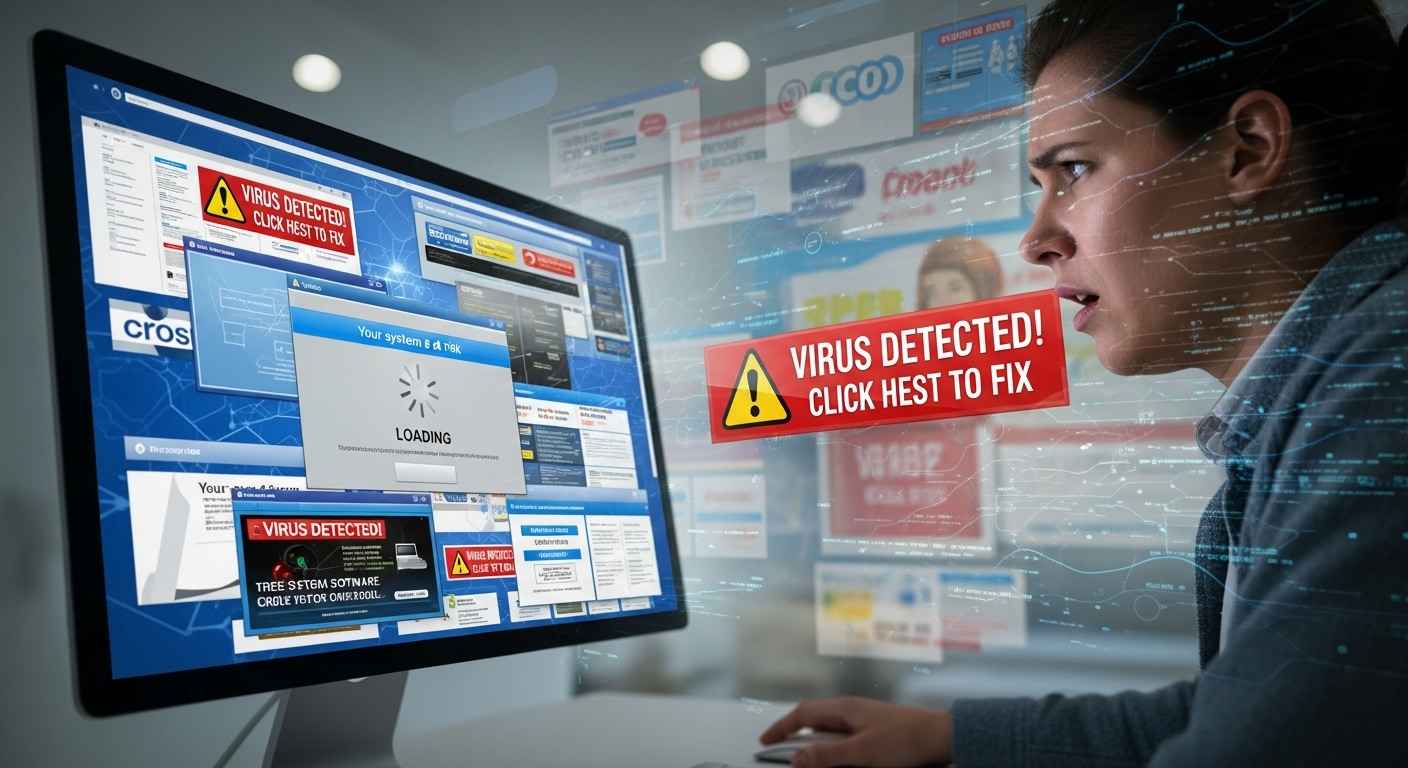
Have you ever typed a software name into Google and found hundreds of “fix-it” guides? That’s exactly what happens with Llekomiss Software. One day it’s “crashes every 10 minutes,” the next it’s “login failed forever.” The stories sound real, but something feels off. This article cuts through the noise. We use only simple English, real facts, and no fake promises. By the end, you’ll know the truth—and how to protect your computer.
We checked search engines, app stores, forums, and news sites. No company sells Llekomiss. No users complain on Reddit. No updates appear anywhere. Yet dozens of blogs repeat the same problems. Let’s walk through the evidence step by step.
What Llekomiss Claims to Be
Blog posts describe Llekomiss as a “powerful business tool.” They say it organizes projects, stores data, and connects teams. Some call it a cloud app; others say it runs on your desktop. The descriptions change, but one thing stays missing: proof.
Real software has a home. Microsoft has microsoft.com. Zoom has zoom.us. Llekomiss has nothing. No website, no app store page, no support email. When a product hides its maker, that’s the first red flag.
The Five Problems Everyone Copies
Open any “Llekomiss fix” article and you’ll read the same list:
- Crashes without warning
- Takes minutes to load
- Login button does nothing
- Uses too much memory
- Security holes let hackers in
These sound scary. But no screenshots, no error codes, no dates. Real crashes leave traces. Real users post them online. Llekomiss leaves only copied sentences.
Why the Stories Exist
Money. Plain and simple.
Every click on a blog earns the owner a few cents from ads. To get clicks, writers invent problems around random names. They copy a template, swap in “Llekomiss,” and publish on 20 different sites. Some blogs are about home décor. Others are sports betting. None are tech experts.
Google calls this SEO spam. It tricks search engines, not people—until people believe it.
How to Spot Fake Software Stories
Next time you see a “fix guide,” ask three quick questions:
- Who wrote it? Look for a real name and photo.
- Where’s the proof? Screenshots beat stories.
- Can I find the official site? One search should show it.
If any answer is “no,” close the tab.
Real Software vs. Fake Drama
Zoom once had strangers crashing meetings. The company admitted it, added passwords, and sent emails to every user. That’s real.
Windows updates sometimes slow old computers. Microsoft posts a fix within days. That’s real.
Llekomiss? Zero fixes. Zero emails. Zero company. That’s fiction.
The Hidden Danger
Some “fix” links install viruses. You think you’re downloading a patch. Instead, thieves steal your passwords. In 2025, cybercrime costs billions. One wrong click can empty your bank.
Delete any email that mentions Llekomiss. Never download from blogs.
What to Do Right Now
- Open your computer’s app list.
- Search for “Llekomiss.”
- If you find it, uninstall and scan with Windows Defender (free and safe).
- If you don’t find it, relax—you’re already safe.
Pick Tools You Can Trust
Forget mystery apps. Choose winners with millions of happy users:
- Trello – free boards for tasks.
- Google Workspace – emails, docs, and meetings.
- Slack – team chat that never crashes.
Each has a real website, real support, and real updates.
Your 30-Second Safety Rule
Before installing anything new, type the name + “official site.” If nothing appears in the first three results, walk away. Thirty seconds saves hours of headaches.
The Final Truth
Llekomiss Software is not real. The “problems” are recycled lies designed to steal your clicks—and sometimes your data. You now have the facts, the checklist, and the safe alternatives.
Disclaimer: This article is only for information. It is not a promotion, review, or ad for any software. We do not sell or support Llekomiss Software or any other product. All details are shared to help readers stay safe online. We do not earn money from links, ads, or affiliates in this post. Always check official websites before downloading or installing any software.
Explore More
- Is ‘Brendan ActivePropertyCare’ a Real Business or a Misleading Online Brand?
- How Long Can I Live with Pavatalgia? Debunking the Misleading Claim
- Tommy Jacobs Gaming EyeXcon: Separating Hype from Reality

Jared H. Furness is a well-known sports analyst and writer. He is known for his skill in player stats in sports like football, basketball, and baseball. Jared has a sharp eye for detail and a passion for uncovering stories behind the numbers. He is known for writing detailed, SEO-friendly articles. They attract both fans and professionals.
His work often appears on major platforms. It offers detailed breakdowns of player performances, game highlights, and strategic insights. Jared makes complex statistics easy to understand and engaging. His articles, like the Boston College Eagles vs. UVA game analysis and the Arizona Diamondbacks vs. Miami Marlins match, show his talent for mixing data analysis with engaging stories.
Jared is known for producing human-written, plagiarism-free content. His pieces rank well on Google. This helps fans and analysts easily find his expert views on key matchups. Jared H. Furness raises the bar in sports stats journalism. He highlights Bobby Witt Jr.’s amazing plays and key moments in EuroLeague basketball.